
Fabrication Software Capability
Flat-Part Nesting
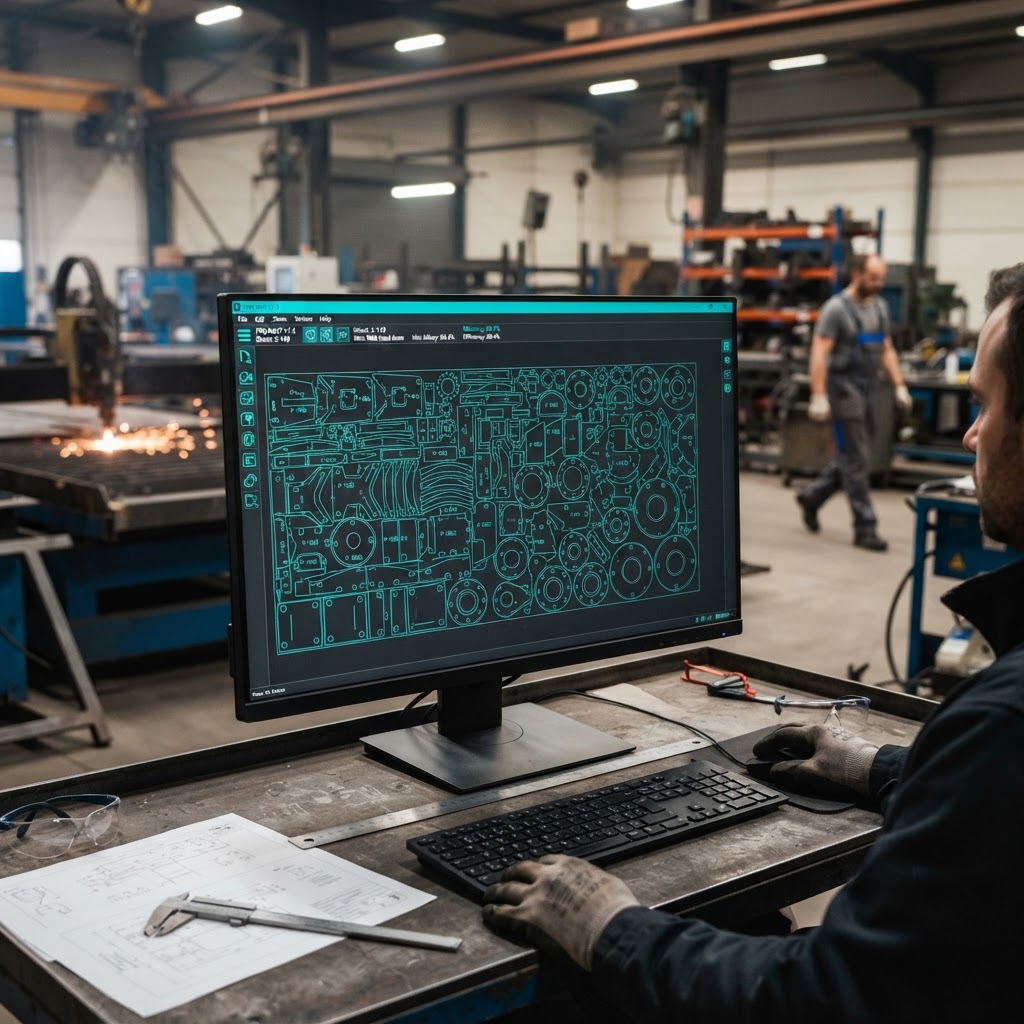
We build software that arranges prepared flat geometry on sheets so material planning and cutting preparation do not depend on hand-placed layouts. Sheet sizes, part quantities, spacing, and orientation constraints are agreed as inputs during scoping, and layouts are produced for staff review.
Introduction
From Prepared Flat Parts to Sheet Layouts
Once flat patterns or other prepared flat geometry exist, someone usually arranges parts on a sheet: choosing sheet size, placing parts, keeping required spacing, and respecting grain or bend-direction constraints.
Flat-part nesting software takes suitable prepared geometry and the agreed sheet and layout rules, then produces layout proposals your team reviews before cutting. The goal is a repeatable arrangement step built around your constraints, not a claim about perfect material usage.
Common Challenges
Situations This Capability Can Address
Layouts arranged by hand
Staff place parts on sheets manually for each order, part after part.
Rules applied inconsistently
Spacing, sheet size, and orientation decisions can differ between staff or between shifts.
Utilization tracked unevenly
It is hard to say how much of a sheet was used, because layouts are not recorded consistently.
Sheet choice repeated from scratch
Each order starts a new layout decision, even for parts the shop has run before.
How eSquall Can Address These Challenges
Possible Implementation Approaches
Each approach below is a proposed implementation, scoped and validated for your files and workflow. Nothing on this page describes a completed customer result.
Client situation
Parts are placed on sheets manually for each order.
How we can help
We build a nesting workflow that accepts prepared flat geometry and produces layout proposals for review, so arrangement becomes a repeatable step rather than manual placement each time.
Client situation
Spacing and orientation rules vary between staff.
How we can help
Sheet dimensions, quantities, spacing, and orientation constraints are agreed as scoping inputs and applied by the software, so every layout follows the same rules.
Client situation
Sheet usage is not recorded consistently.
How we can help
Layout results can be recorded with sheet and part details, giving your team a consistent record of what was arranged on each sheet.
Client situation
Repeat orders restart the layout decision.
How we can help
Saved part definitions and layout rules let repeat orders reuse agreed settings instead of starting from scratch.
Scope and Potential Deliverables
Inputs, Work, Review, and Outputs
What You Provide
- Prepared flat geometry, such as flat patterns from the design preparation step
- Sheet dimensions and available sheet sizes
- Part quantities per order
- Spacing, orientation, and any bend-direction or grain constraints, agreed during scoping
Processing or Implementation Work
- Reading prepared flat geometry, not raw 3D files
- Arranging parts on sheets according to the agreed rules
- Producing layout proposals and utilization records for review
- Exception handling for parts that do not fit or violate constraints
Review Responsibilities
- Staff review layouts before cutting preparation proceeds
- Constraints and rules are confirmed by your team during scoping
- Results are validated against expected layouts using representative parts
Possible Outputs
- Sheet layout proposals with part placement
- Cut lists or layout records in the agreed format
- Utilization records per sheet, as recorded data rather than a guarantee
Workflow
How the Work Typically Proceeds
Provide Prepared Geometry
You share flat patterns or prepared flat parts and sample sheets.
Agree Layout Rules
Sheet sizes, quantities, spacing, and orientation constraints are confirmed as scoping inputs.
Generate and Review Layouts
The software proposes layouts and staff review them before cutting.
Validate and Refine
Results are checked against expected outcomes and the rules are refined where needed.
Technical Boundaries
Limits, Assumptions, and Review Requirements
- The reported nesting route does not read raw STEP files directly. A suitable flat pattern or other prepared flat geometry is needed first.
- Sheet dimensions, quantities, spacing, and orientation constraints are inputs to agree during scoping, not built-in assumptions.
- No guarantee is made of optimal layouts, specific material savings, or accuracy percentages.
- Layout proposals are reviewed by staff before cutting. Final production responsibility remains with your team.
- Suitability for your parts is validated with representative samples during scoping.
Project Estimate and Planning
Information Needed to Estimate This Work
Sharing the information below lets us assess the work and prepare an estimate.
Cost and timeline are confirmed after the scope and technical review described above. No price, delivery period, savings figure, or result is implied by this page.
FAQs
Flat-Part Nesting FAQs
Next Steps
Ready to Review a Nesting Workflow?
Tell us about your parts, sheets, and layout rules, and we will scope a nesting workflow around them.