
Fabrication Software Capability
CAD File Processing & Part Information
We build software that processes suitable supported design files and returns selected geometry and part information for your staff to review. Which outputs are possible depends on each file and the processing route, so compatibility is validated against representative samples before scope is confirmed.
Introduction
From Design Files to Reviewed Part Information
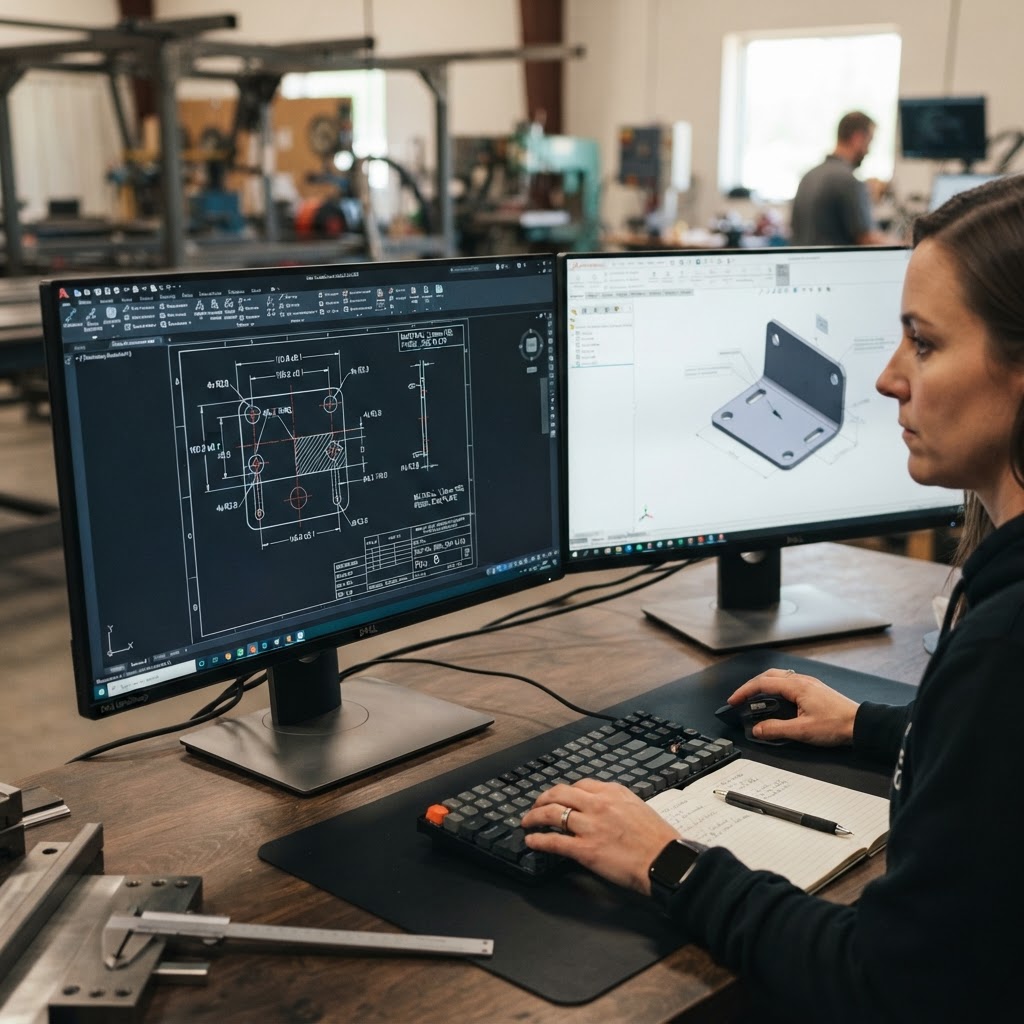
Fabrication work usually starts from files a customer sends: a 2D drawing, a 3D model, or a print. Before estimating or production preparation can begin, someone has to open the file, work out what is usable, and record dimensions, cut lengths, hole counts, thickness, and other part details by hand.
CAD file processing software addresses that step for suitable files. It interprets supported drawing or model data, extracts the agreed part information, and presents it in a structured form your staff can check against the drawing before it moves downstream. The software supports the people doing the review rather than replacing them.
Common Challenges
Situations This Capability Can Address
Part details recorded by hand
Your team opens each drawing and types dimensions, cut lengths, or hole counts into a spreadsheet, then checks them again later.
Uncertain file suitability
Customer files arrive in different formats, and staff spend time opening each one to see whether it can be used at all.
Information spread across views and notes
Thickness, material, and finish details sit in drawing notes, title blocks, and separate files rather than in one usable place.
Inconsistent records between staff
Two people reading the same drawing record slightly different values, so estimates or preparation steps need re-checking.
How eSquall Can Address These Challenges
Possible Implementation Approaches
Each approach below is a proposed implementation, scoped and validated for your files and workflow. Nothing on this page describes a completed customer result.
Client situation
Part details are recorded by hand from each drawing.
How we can help
For suitable DXF and DWG 2D geometry, we build processing that measures lines, arcs, and circles to derive selected values such as dimensions, cut length, and hole counts, and presents them for review.
Client situation
Staff are unsure whether an incoming file can be used.
How we can help
We assess your common file types first using representative samples, and define a processing route per supported format so unsuitable files are identified early instead of after manual work.
Client situation
Model-based details such as thickness are read manually.
How we can help
Where a suitable 3D import route applies, such as STEP/STP or SLDPRT processing, we build extraction for model-based information such as thickness or weight. Exact outputs depend on the file and route.
Client situation
Different staff record the same part differently.
How we can help
The software records extracted values in one consistent structure, flags uncertain or missing data as exceptions, and keeps staff review as the step that confirms what moves downstream.
Scope and Potential Deliverables
Inputs, Work, Review, and Outputs
What You Provide
- Representative sample files for each format in use, such as DXF, DWG, STEP/STP, SLDPRT, or IPT
- The part information you expect, such as dimensions, cut length, holes, bends, thickness, or weight
- The format staff should receive results in, such as a table, spreadsheet, or review screen
- Your rules for units, part naming, and what counts as an exception
Processing or Implementation Work
- Parsing and interpreting the geometry in suitable supported files
- Building the extraction logic for the agreed information
- Producing a structured, reviewable output
- Exception handling for files or features that cannot be processed reliably
Review Responsibilities
- Staff compare processed results with the drawing or model before use
- Exceptions and uncertain values are confirmed by a person, not accepted automatically
- Suitability of new or unusual files is validated with representative samples
Possible Outputs
- Structured part information for suitable files, which may include dimensions, cut length, holes, bends, thickness, or weight depending on the file and processing route
- An exception list for files or features that need manual attention
- A repeatable processing step your team can run on incoming files
Workflow
How the Work Typically Proceeds
Collect Representative Files
You share sample files for each format your customers send.
Assess Compatibility
We process the samples and compare results with the information you expect.
Agree Extraction Rules
We define which values are extracted, how exceptions are flagged, and the output format.
Build and Validate
We implement the processing pipeline and validate outputs with your staff before handover.
Technical Boundaries
Limits, Assumptions, and Review Requirements
- A file extension alone does not guarantee compatibility. Suitability is validated with representative sample files and agreed expected results.
- General 3D DWG processing is not an established capability. 2D DXF/DWG geometry and suitable 3D import routes such as STEP/STP and SLDPRT are the assessed paths.
- IPT (Autodesk Inventor) compatibility requires representative sample testing before scope is confirmed.
- Complete automatic interpretation of PDF drawings is not an established capability.
- Available outputs vary by file and processing route. Not every file yields every value.
- Staff review remains part of the workflow. Engineering review is not eliminated.
Project Estimate and Planning
Information Needed to Estimate This Work
Sharing the information below lets us assess the work and prepare an estimate.
Cost and timeline are confirmed after the scope and technical review described above. No price, delivery period, savings figure, or result is implied by this page.
FAQs
CAD File Processing FAQs
Next Steps
Have CAD Files You Would Like Assessed?
Send us an example of the files you receive and the information you expect, and we will review feasibility with you.